Overview
This tutorial shows you how to make a Kubernetes deployment confidential using Contrast. We'll start with from a non-confidential deployment of a simple application.
Workflow
In this tutorial, we'll use the emojivoto app as an example and walk through the steps needed to make a Kubernetes deployment confidential. You can either follow along or apply the same steps to your own application.
To make your app confidential with Contrast, follow these steps:
- Install the Contrast CLI.
- Set up your Kubernetes cluster and install Contrast into it.
- Deploy your workload.
- Verify the integrity of your deployment.
- Connect securely to your app.
Emojivoto app
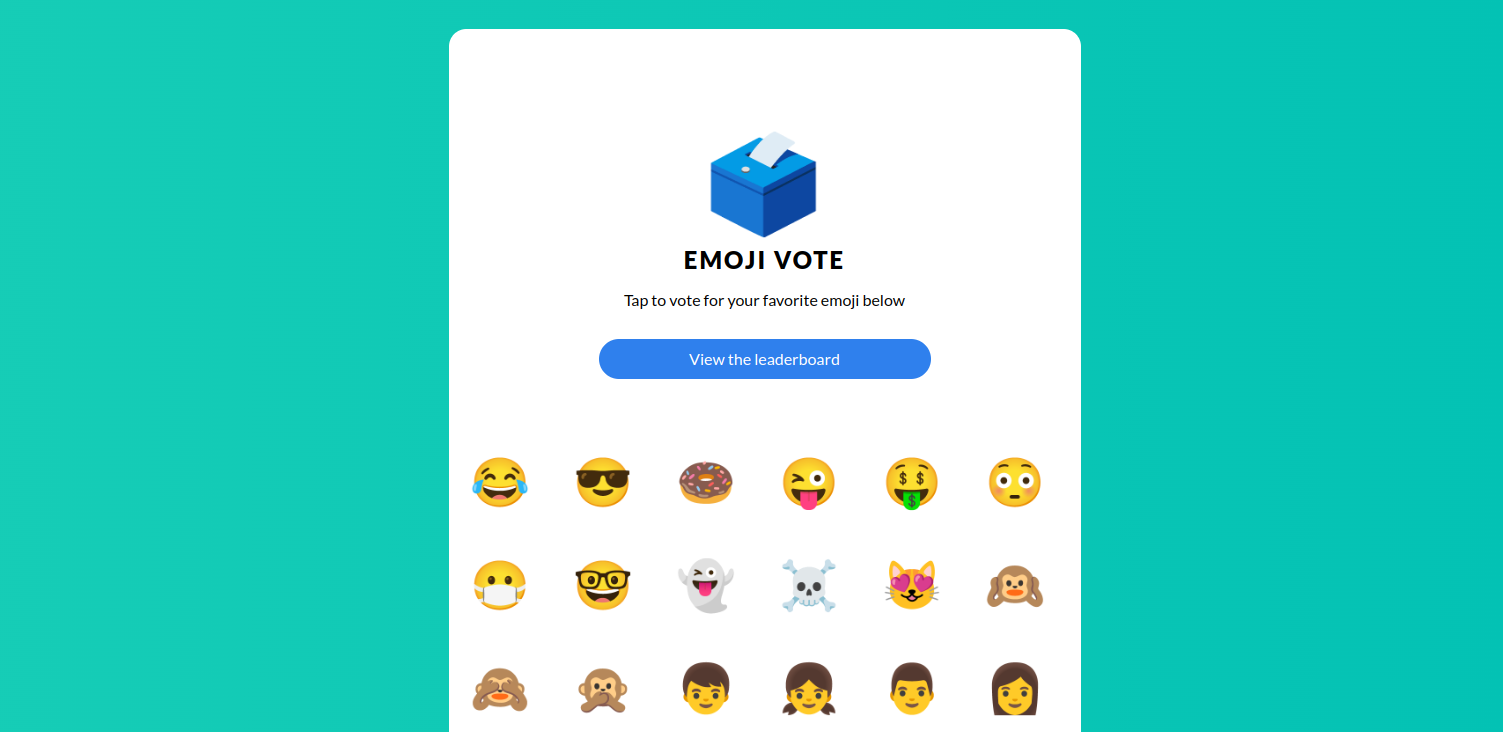
We use the emojivoto app as example. It's a microservice application where users vote for their favorite emoji, and votes are shown on a leaderboard.
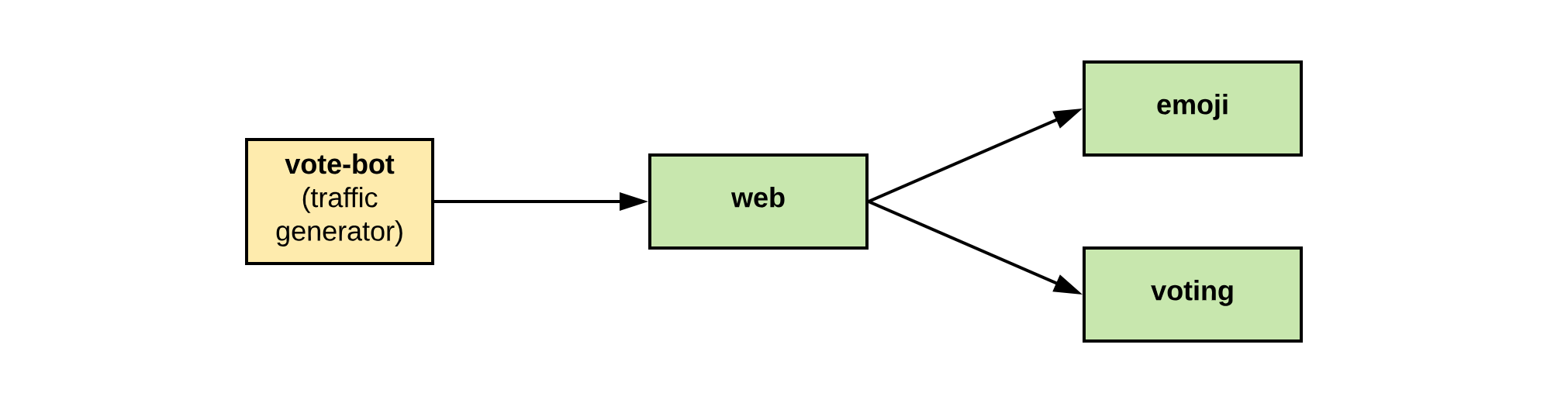
The app includes:
- A web frontend (
web) - A gRPC backend that lists emojis (
emoji) - A gRPC backend for handling votes and leaderboard logic (
voting) - A
vote-botthat simulates users by sending votes to the frontend
Emojivoto is a fun example, but it still handles data that could be considered sensitive.
Contrast protects emojivoto in two key ways:
- It shields the entire app from the underlying infrastructure.
- It can be configured to block data access even from the app's administrator.
In this setup, users can be sure that their votes stay private.